
Move an IPTV Subscription to a New Device: Handover Checklist
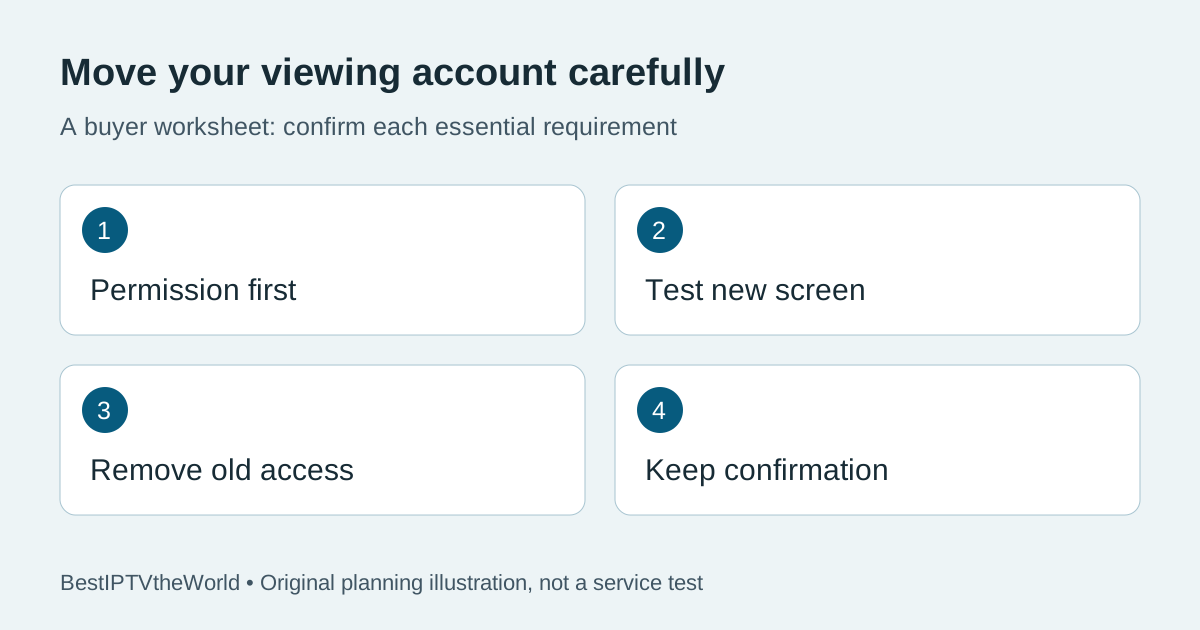
Moving an IPTV subscription to a new TV is a handover, not simply an app installation. Confirm that the provider permits the move, that the new player accepts the correct login method, and that the old device no longer has access when you finish. A successful sign-in on the new screen does not automatically remove the old session.
Commercial disclosure: this website promotes services related to its publisher. This is an editorial checklist, not a claim that we tested account transfer on every provider. Provider rules and app licences must be confirmed individually.
Separate a replacement device from an extra connection
Replacing a broken television and adding a second television are different requests. Tell the provider which one you mean. Ask whether your existing plan can move to the new device, whether an old device binding must be released, and whether a separate player activation is required. Do not assume that buying a longer subscription changes any device restriction.
Write down the old and new device models and the player's exact name. If the old screen remains in the household, decide whether it will still be used. A plan's simultaneous-stream allowance and its rules for registered devices may differ. Request clarification instead of assuming that an installed app counts as an allowed extra screen.
Prepare the new device without exposing the old credentials
Use the official store or the provider's verified setup instructions. Check the publisher, supported operating system and sign-in format before purchasing a player. An app available on a phone may have a different TV version. Avoid moving account details through public comments, shared documents or unverified playlist-testing tools.
Keep a private record of the provider's instructions and support contact. Record what you can recover if the installation fails, without putting passwords into your comparison notes. If you are moving while away from home, read our travel checklist first: a device change does not override location or content restrictions.
Ask these questions before paying a transfer charge
| Question | Useful written answer |
|---|---|
| Does the current plan permit a replacement? | Whether the new model and player are supported, and who authorizes the move |
| Is player activation separate? | Who charges it, what it covers and whether the old activation transfers |
| Must the old device stop first? | The allowed sequence and any connection limit to respect |
| Can old access be revoked? | A supported session-removal method or a private support procedure |
| What happens if the new setup fails? | How to restore permitted access and which charges, if any, are refundable |
A vague instruction to “buy another account” does not explain the problem. Ask which limitation requires the purchase. For current information from our promoted brand, visit TereaTV; confirm transfer rules directly rather than treating this guide as a provider-specific promise.
Test the new screen using a short acceptance record
Test within the provider's permitted connection allowance. Confirm that the app opens, the approved viewing login works, the remote can reach essential controls and the content you are entitled to view plays. Check captions and audio on suitable content if those are important to the household. A model name alone does not establish that every feature behaves the same as it did on the old screen.
Record the date, app version and outcome of each check. “Login works, remote navigation works, required captions not yet confirmed” is more useful than “new TV tested.” Our subtitle and audio-language guide provides a separate needs checklist. If the move fails, preserve the error message and contact the right party rather than buying several apps to guess at a solution.
Remove access from a device you no longer control
Use the player's sign-out function and the provider's supported account controls. Deleting an app is not evidence that every remote session or device authorization has been revoked. If the old device is broken, sold or left in accommodation, ask the provider how to revoke its access through a trusted private channel.
Account controls differ. For example, Netflix documents a Manage Access and Devices sign-out feature. That is an example of a documented control, not proof that an IPTV provider offers an equivalent menu. Separately, Google explains how to review and sign out Google Account devices. Removing a Google session does not establish that a separate IPTV account has been removed.
Before selling hardware, follow the manufacturer's own preparation and reset instructions after you have preserved anything you need. Do not reset a hotel television or a device owned by somebody else. If you cannot access the old device, document that limitation and use the account owner's support process rather than claiming that access has been removed.
Keep a simple handover record
Save four outcomes privately: permission to move, new-device playback check, old-device access removal and any remaining issue. Include the support reference and the time zone for a promised follow-up. Our support-hours guide can help you plan the move when assistance is actually available.
Close the handover only when the results meet your requirements. “New screen works; old-device revocation still awaiting support” is a valid incomplete status. It is better than assuming everything is finished and discovering later that an unwanted session is still active. None of these checks establishes a service's content rights; check availability and authorized access separately.
Frequently asked questions
Can I move an IPTV subscription without buying another plan?
It depends on the provider's device and account rules. Ask whether your existing entitlement supports a replacement before paying for a second plan.
Does uninstalling the old player cancel the subscription?
Do not assume so. App removal, subscription cancellation and server-side session removal are separate actions. Confirm the relevant procedure with the seller.
What if the old TV no longer turns on?
Ask the provider whether it can revoke the old device or session remotely. Explain that local sign-out is unavailable and keep the support confirmation.
Can I test both TVs at the same time?
Only if your plan permits those simultaneous connections. Otherwise stop the old stream and follow the provider's approved replacement sequence.
For a new purchase rather than an existing-account transfer, check current TereaTV trial terms and consult our TereaTV information page. Confirm your model and account requirements before ordering.