
IPTV Support Across Time Zones: Questions Before Buying
IPTV support advertised as “24/7” does not tell you when a real person can solve your specific problem. Before buying from a provider in another time zone, ask how to reach billing and technical support, what information they need and whether someone is available during the hours you actually watch.
Commercial disclosure: Our publishing group operates services linked from this guide and may benefit from a purchase. This is a practical buyer worksheet; we have not measured the response times of the providers discussed here.
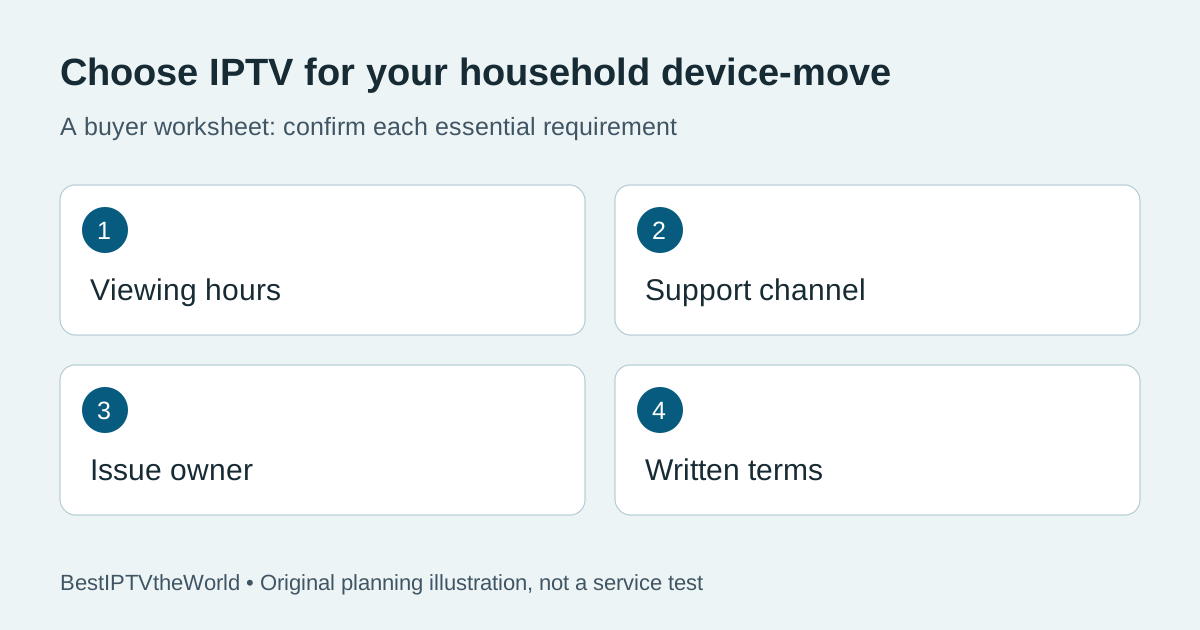
Start with your viewing window
Write down your country, local time zone and two typical viewing windows. If you mainly watch live sports late on Saturday, a provider's weekday office hours may not help during the moment you need support. Convert its published hours to your local time and check whether those hours include weekends and holidays. Do not infer a guaranteed reply from a chat widget or a “24/7” badge.
Separate technical, account and billing questions
Ask which channel handles a player setup error, which handles a subscription activation problem and which handles refunds or renewals. They may have different queues or hours. If you bought through a reseller, identify whether the reseller or the underlying service owns each decision. Our comparison hub helps you record questions for each offer instead of treating a broad promise as a service-level guarantee.
| Question to ask | Evidence to keep |
|---|---|
| Which support channels are staffed at my viewing time? | Published hours with time zone and date checked. |
| Who fixes a failed login or activation? | Provider reply and order reference. |
| Where do I report a specific live event issue? | Ticket route and required details. |
| Who handles cancellation or renewal? | Current written terms and support contact. |
Send a useful support request without exposing your account
Describe the device model, player name, local time, error wording, whether the account worked earlier and what you already tried. Include an order reference only in the provider's official private support channel. Never publish your password, full playlist URL, payment card number or an unredacted account screenshot. A clear request helps distinguish an account issue from a device issue; it does not guarantee a resolution time.
For a device change, follow our travel and location checklist for the separate questions about account and location rules. This guide focuses on reaching the right support team at the right time.
Test the support route before committing
Send one ordinary, specific question before paying, for example: “I watch in Toronto around 8 p.m. Eastern Time. Which channel handles a Fire TV login error at that hour, and is it staffed on Sunday?” Record when you sent it and the substance of the answer. A single response is evidence for that exchange only; it does not establish average performance or future availability.
During any permitted trial, use the published help route for a genuine setup question. Avoid creating fake outages or multiple tickets. Check whether the provider can give a usable step or escalate a problem, rather than judging it solely by the speed of an automated acknowledgement.
Read the order terms as well as the support promise
Before buying a long plan, confirm the provider's actual renewal, cancellation and support terms on the order page. An unanswered technical question is a reason to pause, not a reason to guess. Keep the current page or confirmation email for your records. If you consider TereaTV's current trial offer, confirm eligibility and the applicable terms there; this article does not promise availability or a particular response time.
Questions readers ask
Does “24/7 support” guarantee a live agent?
No. Ask which channels are staffed, which issues they handle and the applicable time zone. Keep the provider's written answer.
What time zone should I use in a ticket?
State your local time and time zone explicitly, and include the date. This reduces ambiguity when support is based elsewhere.
Can a fast pre-sale response predict later support?
It describes one exchange. Ask how technical and billing cases are routed after purchase and avoid treating one reply as an average.
Should I post my login details to speed up help?
No. Use only the official private channel and provide diagnostic details without sharing passwords, full playlist URLs or payment information.