
IPTV While Travelling: Account, Hotel Wi-Fi & Device Checks
You may be able to use an IPTV subscription while travelling, but do not assume that a working home account is portable everywhere. Check the provider's location rules, the device you will carry, the accommodation's network and whether someone at home will use the same account at the same time.
About this guide: these are planning checks, not a promise of worldwide access or a recommendation to bypass restrictions. Some services linked here are commercially connected with our publisher. We have not tested every hotel, destination or provider.
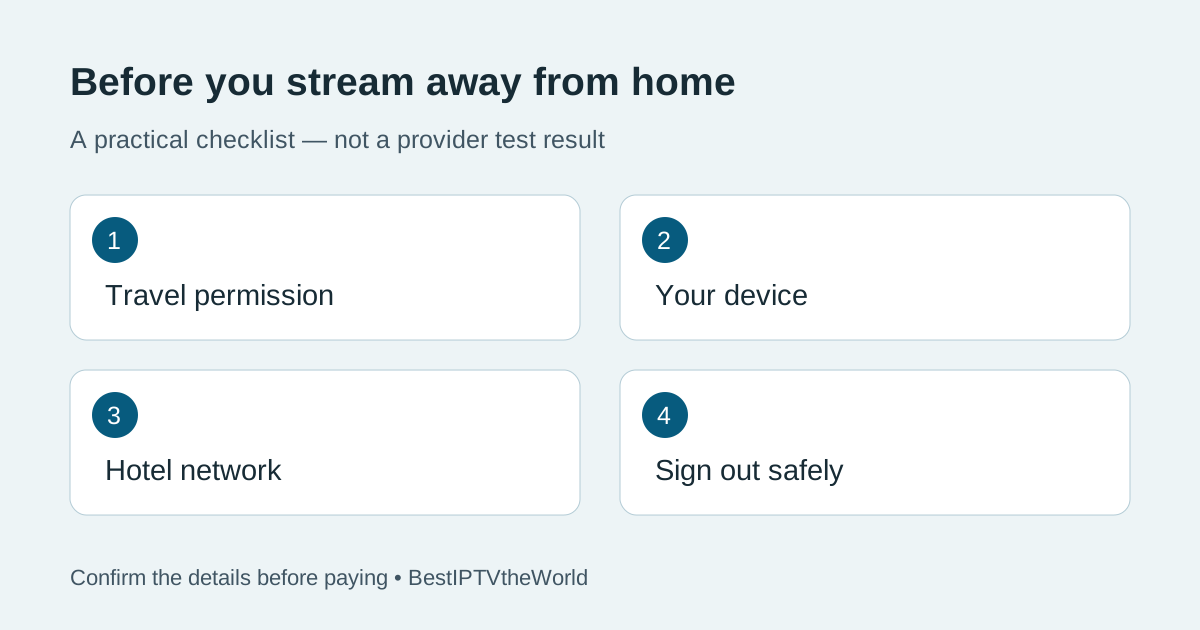
Ask whether your IPTV plan permits travel
Send the provider your destination country, approximate travel dates and the device you intend to use. Ask whether the account can be used away from its normal location, whether a temporary location change needs approval and whether the same content is available there. Keep the reply; a generic “works worldwide” banner is less useful than an answer about your trip.
Also ask whether a second household member can watch at home while you are away. An allowance for multiple devices can differ from an allowance for simultaneous streams or separate locations. Do not buy an extra connection until the provider explains which limitation it addresses. A longer subscription does not necessarily change location rules.
Why the catalogue can change outside your home country
Internet delivery does not mean every title is available everywhere. As one documented example, Netflix's travel guidance says its selection, audio/subtitle options and some downloads can differ by country. That describes Netflix, not the terms of an unrelated IPTV provider; it illustrates why you need a service-specific answer.
If a particular match, programme or language is the reason for buying, confirm that exact requirement for the destination. Check the event's official local viewing information as well. Do not treat a channel logo in a promotional image as evidence of availability or distribution rights. If the answer is uncertain, plan a lawful alternative rather than relying on a trip-critical promise.
Check the hotel network before choosing hardware
Ask the accommodation whether streaming devices are permitted, whether guests can use the TV's HDMI inputs, and whether the internet connection requires a browser sign-in page. A Wi-Fi password alone does not tell you all of this. Some networks also separate guest devices, which can affect communication between a phone and a streaming device.
Google's streaming-device Wi-Fi guidance explains that guest-network client isolation can prevent setup and that its streaming devices do not support networks requiring a captive portal. This limitation is specific to the devices covered by that guidance; other hardware has its own requirements. Ask hotel staff about an approved connection method instead of changing the hotel's network configuration.
| Setup | Confirm before leaving | Do not assume |
|---|---|---|
| Your own phone or tablet | Supported app, account access and permitted network use | Mobile viewing automatically includes TV casting |
| Your own streaming device | Power supply, remote, HDMI access and network sign-in support | Every hotel TV allows external devices |
| A browser on your laptop | The service offers a supported browser player | An Android-only app runs in a browser |
| A shared accommodation TV | Permission to install/sign in and a reliable sign-out procedure | Closing the app removes your account |
Test before departure, then check again on arrival
At home, open the supported app on the device you will pack, check picture and sound, and confirm that you can sign out and sign in again. Save official support instructions and a non-sensitive record of the device model and app version. Do not send your password or full playlist address to hotel staff.
A home test cannot reproduce the destination's network or account-location checks. After arrival, establish the permitted network connection first, then try the service. If it fails, note whether the device has internet access, whether login works and whether the failure affects all content. Those are different problems and need different support answers.
For a network-related playback issue, use our buffering troubleshooting guide. For the device purchase itself, see the Firestick buying checklist. Neither page overrides a provider's location or content restrictions.
Budget for data and avoid surprise charges
If you intend to use mobile data, check the carrier's roaming allowance and tethering terms before departure. Streaming consumes data even when the picture is small. A useful rough calculation is bitrate in Mbps × hours watched × 0.45 = decimal GB, before network overhead and changes in stream quality.
For example, an assumed constant 5 Mbps stream watched for two hours uses about 4.5 GB before overhead. This is arithmetic, not a measured requirement for your service. Adaptive quality and actual bitrates can change usage, so watch your carrier's data counter and do not plan right up to the allowance limit.
Use this pre-travel message
I will be in [country] from [dates], using [device and app]. Does my plan allow viewing there? Can someone also watch at home? Are any location checks required? Is [specific content/language] available at the destination, and what support is available during those dates?
If you are considering a new plan, start with the trial checklist and ask these questions before checkout. Visit TereaTV for current plans and setup information, then confirm travel suitability directly. This commercial link does not establish that any particular destination or hotel is supported.
Before checking out of the accommodation
- Sign out of the app on any shared device rather than only closing it.
- Remove your saved account or profile using the app's supported controls.
- Check the service's device-management page, if available, and revoke access you no longer need.
- Take your remote, power adapter and streaming device with you.
Common travel questions
Can I use a VPN to make a blocked account work?
A VPN is not a guarantee of access and may conflict with a service's terms. Ask the provider for its permitted travel process rather than using location masking as a workaround.
Does a free trial at home prove the service works abroad?
No. It tests the home setup. Destination rules, the hotel network and available content still need separate confirmation.
Should I change my account's home location for a short trip?
Only follow the service's documented instructions. A permanent home-location change may be different from temporary travel and can affect people still using the account at home.